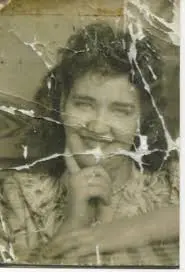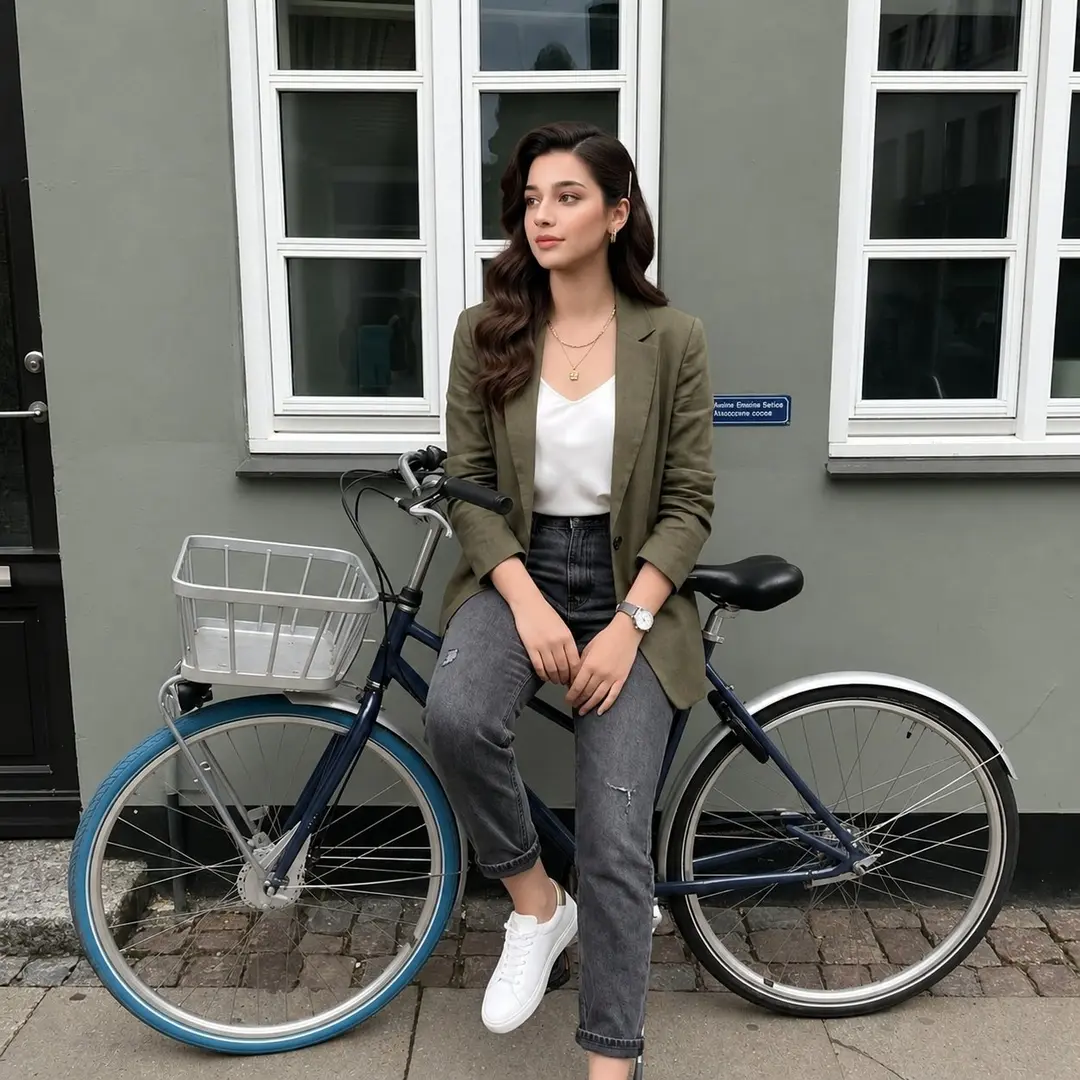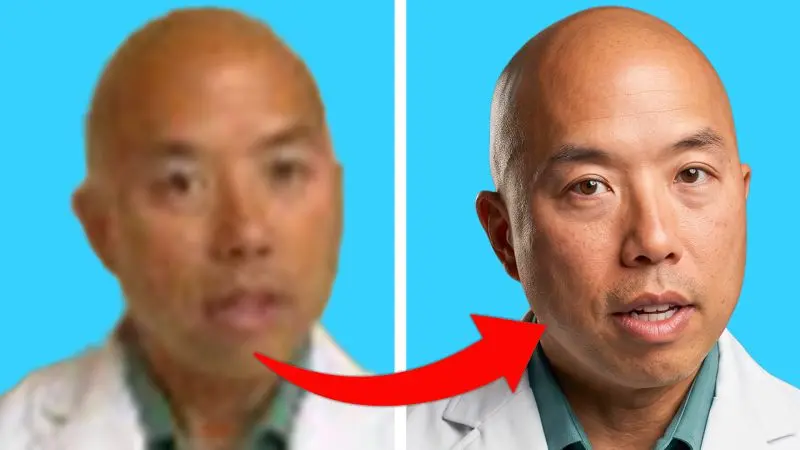
Convert any 240p image into 4k image
Other models image prompt by Shubham | Thumbnail Strategist · original post
the prompt
Create an ultra realistic, high end studio headshot using the provided image while keeping the face, expression, pose, and identity completely unchanged. Do not alter the subject's facial structure, expression, hairstyle, or positioning in any way. Use professional studio lighting with a soft but directional key light placed at a 45 degree angle to create natural facial depth, along with smooth and gentle shadow falloff on the opposite side without harsh shadows or crushed blacks, and a very subtle white rim light behind the subject to naturally separate them from the background. Ensure the face is bright, sharp, and clearly visible with smooth highlight roll off and no overexposure, while maintaining soft lifted shadows with full detail preserved in darker areas. Enhance the skin naturally by keeping realistic skin texture and visible pores, preserving rich natural skin tones, and avoiding over smoothing or plastic looking skin. Apply premium cinematic color grading with slightly warm skin tones, neutral whites, a softly darkened background for better contrast and subject separation, and clean, balanced colors without oversaturation. Use a minimal professional background such as dark grey or a soft gradient with slight blur to create depth and strong subject isolation. Subtly sharpen the eyes and facial details while keeping the final image natural, realistic, and high end. The final look should feel cinematic but clean, premium and professional, sharp and editorial style, without being overly moody or dramatic. Render the final image in ultra sharp 4K quality with a luxury editorial photography aesthetic.
- model
- Other models
- type
- image
- shape
- 16:9
- shared
- September 7, 2026
- prompt
- 250 words
Made this? Fix the credit or remove it.